
CrowdPass Mobile App
Manage your entire event from your phone
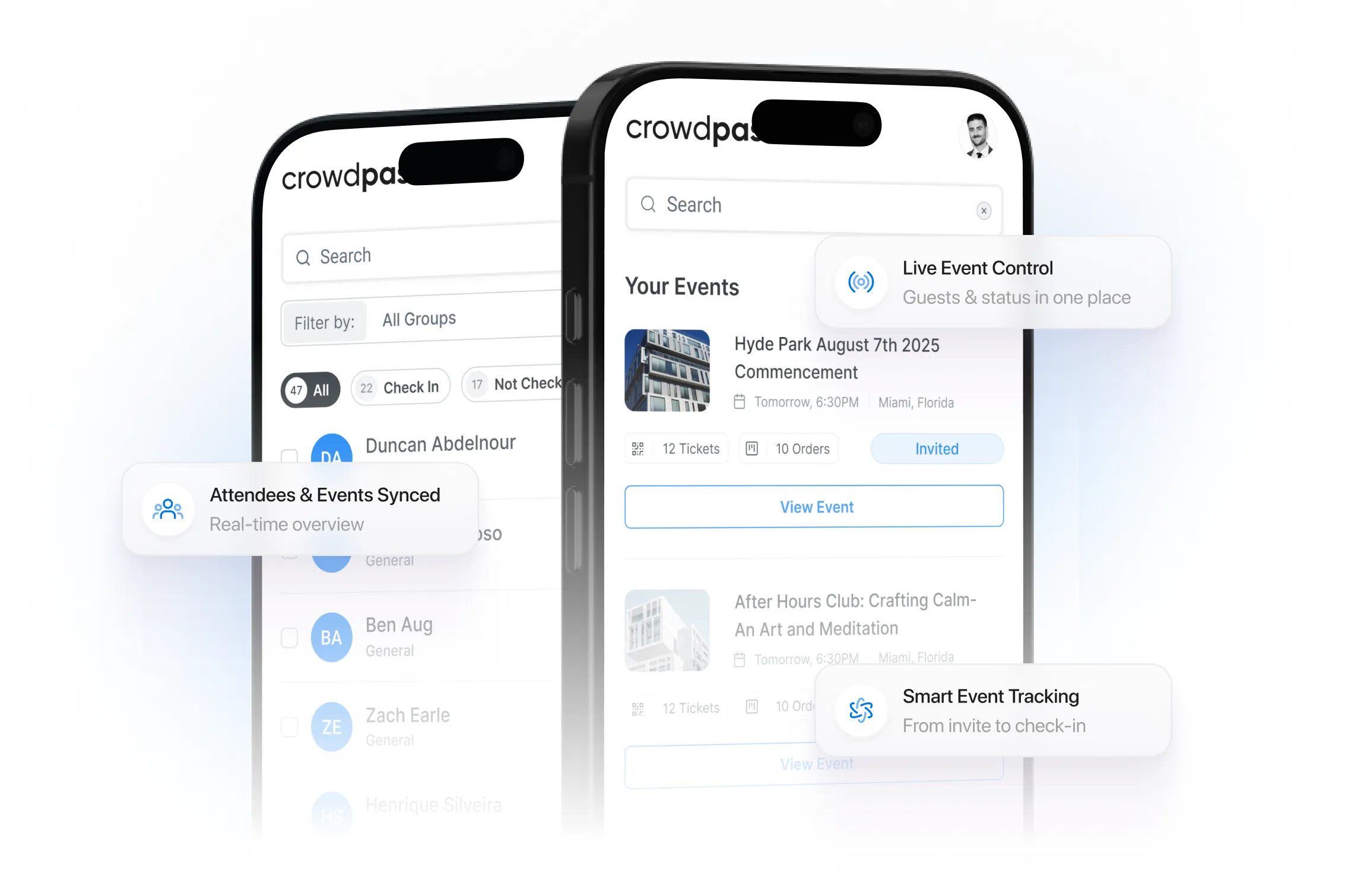
The CrowdPass Mobile App puts full event management in the palm of your hand. Scan NFC wristbands and badges, check in attendees, capture leads, and monitor real-time event data — all from your iOS or Android device.


Key Features
Everything you need to power crowdpass mobile app at your next event.
NFC & QR Scanning
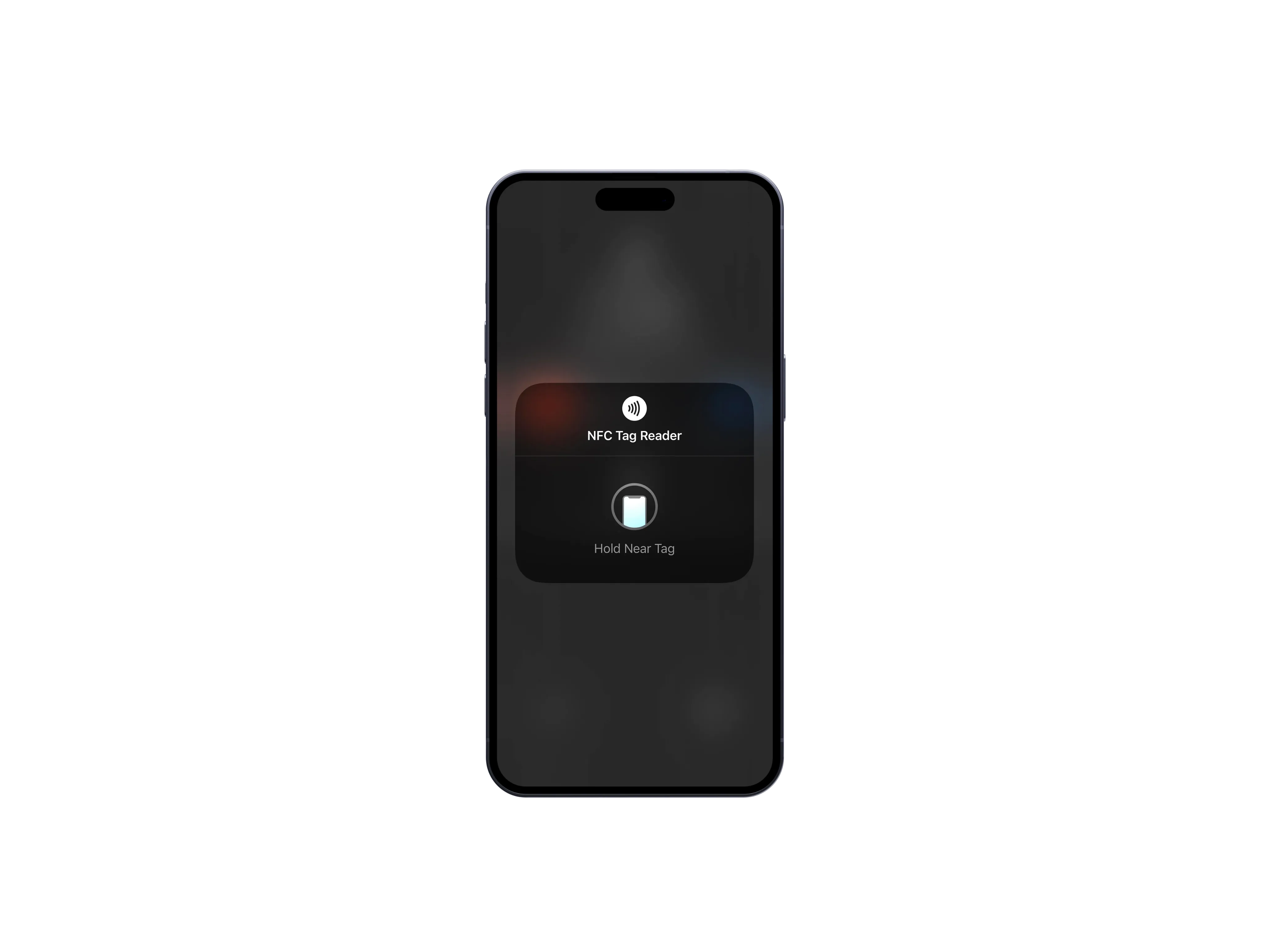
Use your phone as a scanner to read NFC wristbands, NFC badges, and QR codes for instant check-in and access control.
Attendee Check-In
Search, scan, and check in attendees on the spot. See real-time check-in counts and manage walk-ups directly from the app.
Lead Capture
Exhibitors and sponsors can scan attendee badges to capture leads instantly. All data syncs to the CrowdPass Dashboard in real time.
Live Event Dashboard
Monitor real-time attendance, check-in rates, and zone occupancy from anywhere at your venue.
Offline Mode
Keep scanning and checking in attendees even without an internet connection. Data syncs automatically when connectivity is restored.
Multi-Event Support
Switch between events seamlessly. Manage multiple events from a single app with role-based access for your team.
How It Works
Get started in minutes, not days.
Download the App
Get the CrowdPass app from the Apple App Store or Google Play Store and sign in with your CrowdPass account.
Select Your Event
Choose your event from the dashboard. All attendee data and access configurations sync automatically.
Start Scanning
Use your phone to scan NFC credentials or QR codes at entry points, sessions, or anywhere you need real-time verification.
Built for Your Events
See how teams use CrowdPass Mobile App across different event types.
On-Site Staff Check-In
Equip door staff with the app to scan wristbands and badges at entry gates without dedicated hardware.
Exhibitor Lead Retrieval
Exhibitors scan attendee badges at their booths to capture lead data instantly, with notes and follow-up actions.
Session Tracking
Track which sessions attendees visit by scanning at room entrances. Get real-time session popularity data.
VIP & Backstage Access
Verify VIP credentials on the go. Security staff can check access levels at any point without fixed scanners.
Why CrowdPass CrowdPass Mobile App
What sets us apart from the rest.
Works as both an NFC reader and QR scanner — no extra hardware needed
Full offline capability with automatic sync when back online
Real-time data sync with the CrowdPass Dashboard
Role-based access so each team member sees only what they need
Available on both iOS and Android with identical feature sets
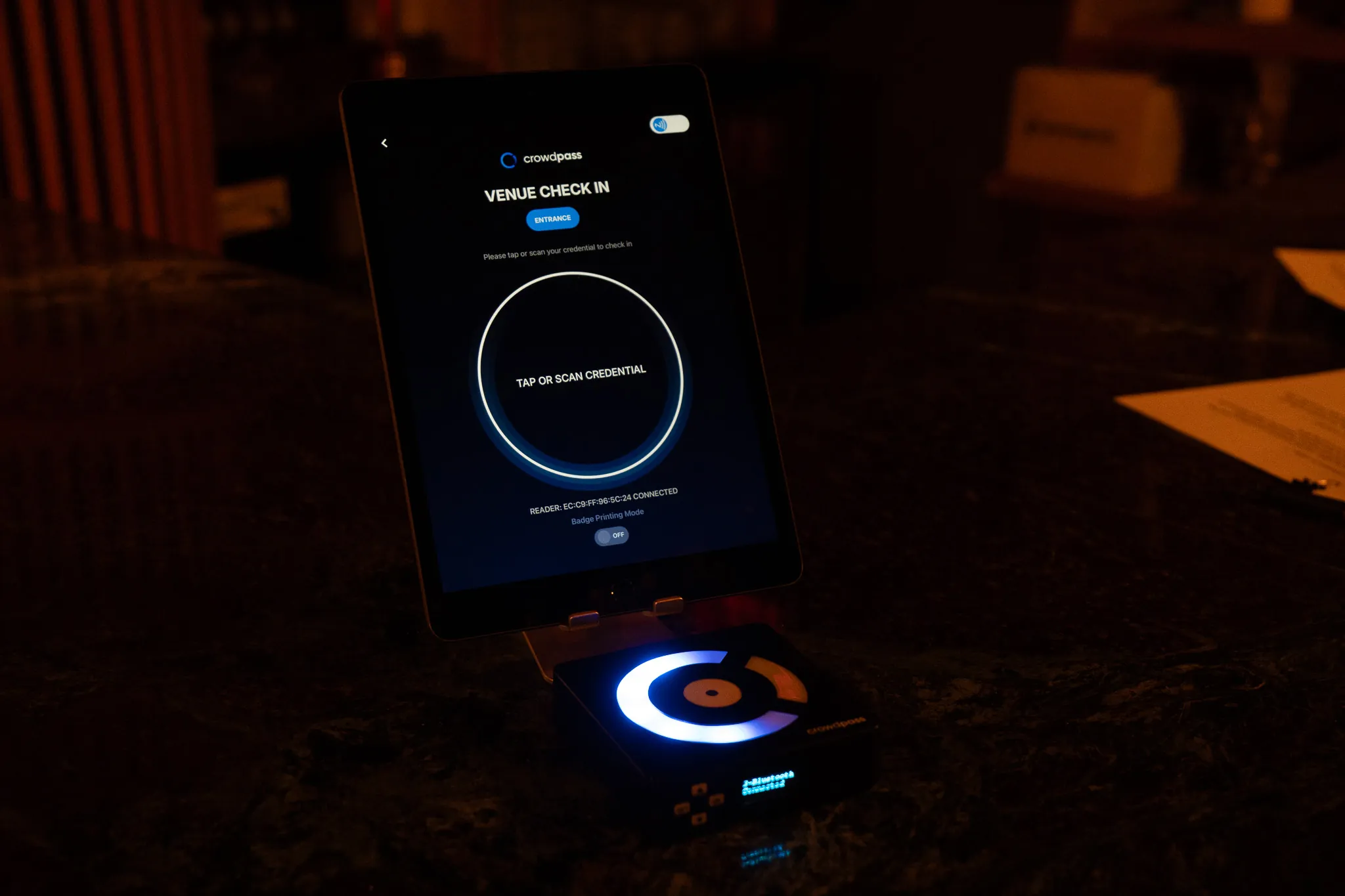
Pairs seamlessly with CrowdReader hardware for high-throughput gates
Frequently Asked Questions
Have questions? We have answers.
Explore More Products
Discover other tools in the CrowdPass platform.

Ready to upgrade your next event?
Join thousands of event professionals who trust CrowdPass to deliver seamless, secure, and data-driven event experiences.