
Lead Retrieval for Events
Turn every event interaction into a qualified lead. Scan badges, qualify prospects on the spot, and sync leads directly to your CRM for immediate follow-up.
3x
More Leads Captured
5s
Per Lead Capture
100%
Digital, No Paper
24hr
CRM Sync
Three steps to qualified leads
From badge scan to CRM entry, CrowdPass handles the entire lead capture workflow.
Scan Badge
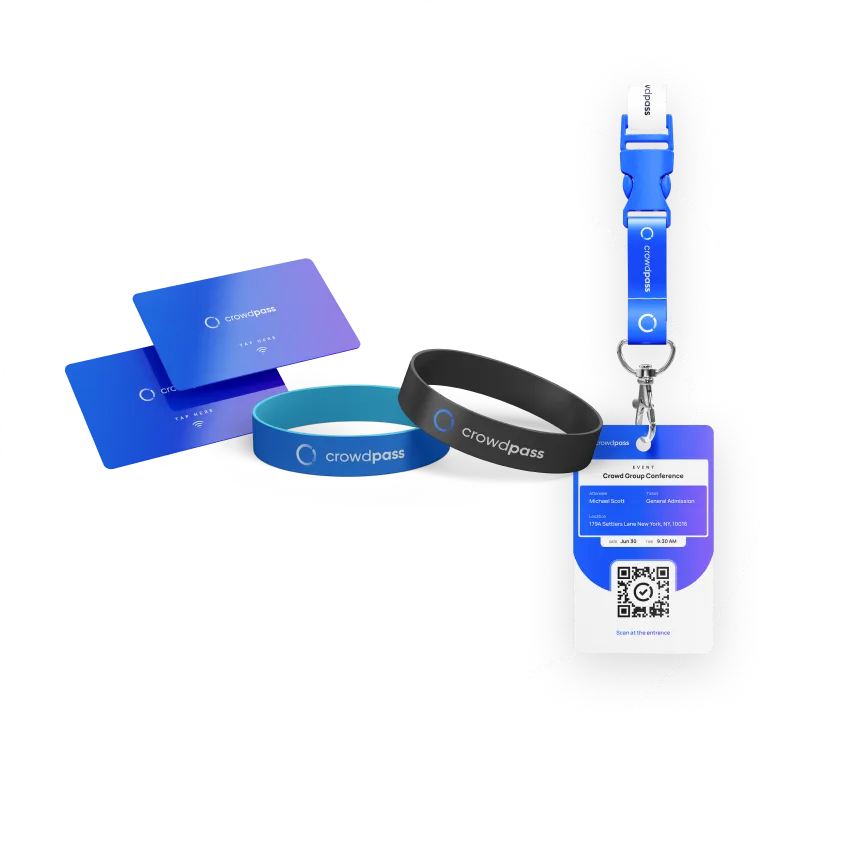
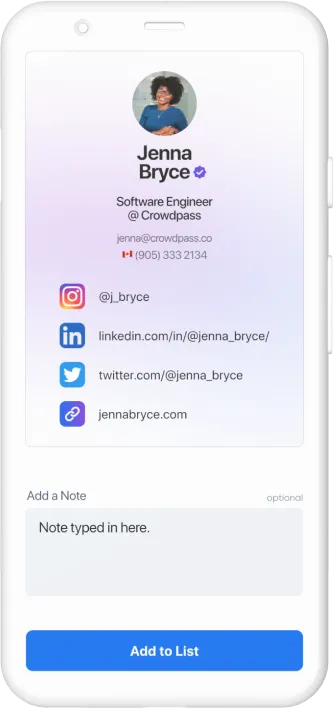
Exhibitors scan an attendee's NFC badge or QR code with the CrowdPass app or a CrowdReader device. Contact details are captured instantly.
Qualify Lead
Rate the lead, add notes, and tag their interests right at the booth. Custom qualification fields ensure your team captures what matters most.
Export to CRM
Leads sync to your CRM automatically or export as a CSV. Your sales team can start follow-up before the event even ends.
Everything exhibitors need to capture leads
One-tap scanning, on-the-spot qualification, real-time analytics, and seamless CRM integration in one platform.
ROI for exhibitors
Lead retrieval is the number one reason exhibitors attend events. CrowdPass makes it effortless to capture and qualify leads, giving exhibitors measurable ROI and a reason to rebook for your next event.
- Capture 3x more leads than manual methods
- Qualify leads on the spot with custom rating fields
- Access real-time leaderboards across your booth team
- Prove exhibitor ROI with detailed post-event reports
CRM integration that keeps your pipeline moving
Leads captured at your booth sync directly to Salesforce, HubSpot, or your preferred CRM. No spreadsheets, no manual imports. Your sales team can begin outreach while the event is still running, giving you a head start on every competitor.
- Native Salesforce and HubSpot integrations
- Automatic lead deduplication and enrichment
- CSV export and REST API for custom workflows
- Zapier connection to 5,000+ apps
Frequently Asked Questions
NFC Lead Retrieval That Turns Badge Scans Into Sales Pipeline
NFC lead retrieval eliminates the gap between meeting a prospect at an event and getting their information into your CRM. Traditional lead capture methods — paper forms, business card bowls, manual badge transcription — create a 24-to-72-hour delay between the conversation and the follow-up. With CrowdPass lead retrieval, exhibitors tap an attendee's NFC badge once and the full contact record appears instantly: name, title, company, email, phone, and any custom registration fields the organizer collected during sign-up.
Each scan also captures a timestamp and booth location, so sales teams can reconstruct the event timeline when reviewing leads. Exhibitors can add tags, interest ratings, and free-text notes directly on the scanning device before moving to the next conversation. All captured leads sync to the CrowdPass dashboard in real time and can be exported to CSV or pushed directly into Salesforce, HubSpot, or Pipedrive through the CrowdPass integration layer.
How NFC Lead Capture Works at Trade Shows and Conferences
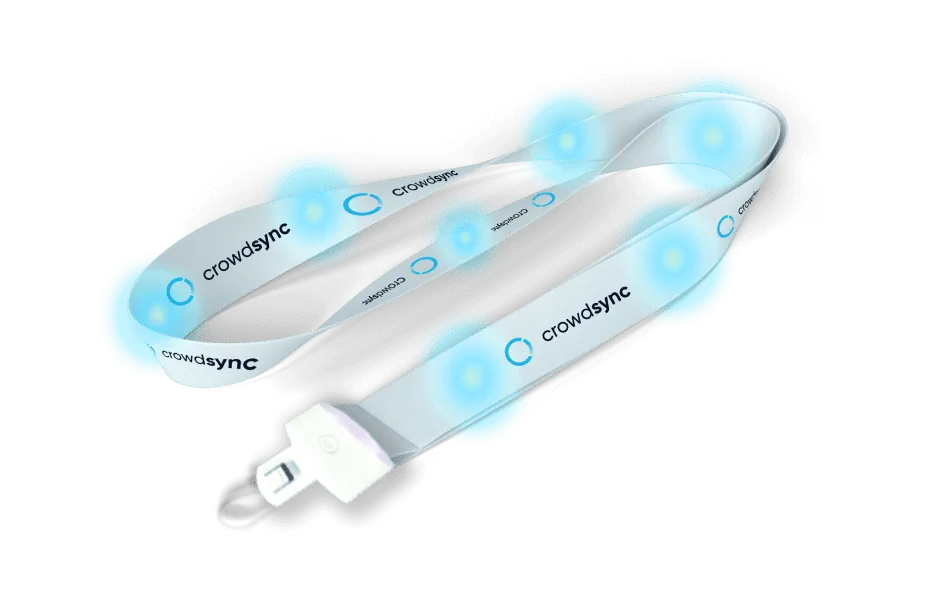
At a trade show, exhibitors receive access to the CrowdPass lead retrieval app on their phone or tablet, or use a dedicated CrowdReader scanner. When a visitor approaches a booth, the exhibitor holds the device near the attendee's badge. The NFC chip inside the badge transmits the attendee's unique identifier, and the app pulls the full contact record from the CrowdPass server. The entire process takes under one second, which means the conversation starts immediately instead of waiting for a form to load or a QR code to scan.
For conferences with breakout sessions or sponsored workshops, lead retrieval works at the room level too. Session sponsors can scan attendees as they enter, building a list of every person who attended their talk. Combined with CrowdPass analytics, sponsors get both the contact list and engagement data — who stayed for the full session, who left early, and who visited the sponsor booth afterward.
Why Exhibitors Prefer NFC Over QR Code Lead Scanning
QR code lead scanning requires the attendee to locate their badge, orient the code toward a camera, hold still while the scanner focuses, and wait for the decode. In a busy trade show environment with poor lighting and crowded aisles, this process regularly fails or takes five or more seconds per scan. NFC scanning, by contrast, works in any orientation, through badge holders, and in complete darkness. The attendee simply brings their badge within a few centimeters of the reader and the scan completes. There is no camera alignment, no focus delay, and no dependency on lighting conditions. For high-traffic booths processing hundreds of leads per day, the speed difference compounds into meaningful time savings and shorter lines.
Ready to capture more leads at your next event?
Give your exhibitors the tools they need to turn badge scans into pipeline. Get started with CrowdPass lead retrieval today.