What is CrowdPass?
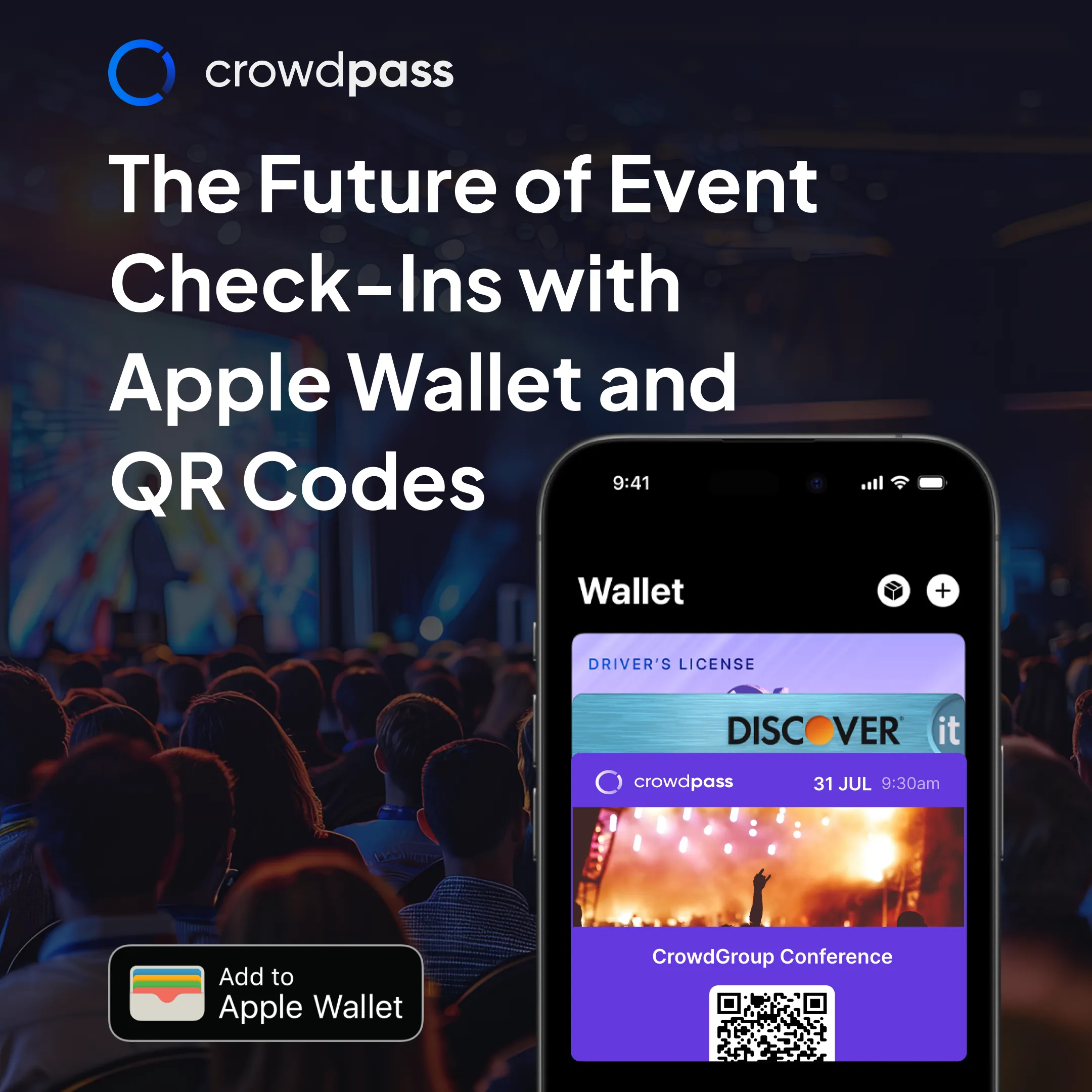
Looking to speed up check-ins, not have guests fumbling around looking for email confirmations or paper tickets? Then adding Apple Wallet Passes and QR Codes is essential to your event registration and check-in flow!
Why waste time with outdated check-in methods when CrowdPass can revolutionize your event experience? With Apple Wallet Passes and QR Codes, attendees can easily access their event tickets right on their phones, eliminating the need to fumble with email confirmations or paper tickets.
CrowdPass is an all-in-one event management platform that makes registration seamless by automatically sending Apple Wallet tickets in confirmation emails. Here's how it works: after registering for an event, attendees receive an email with a QR code and Apple Wallet Pass.
How Does It Work?
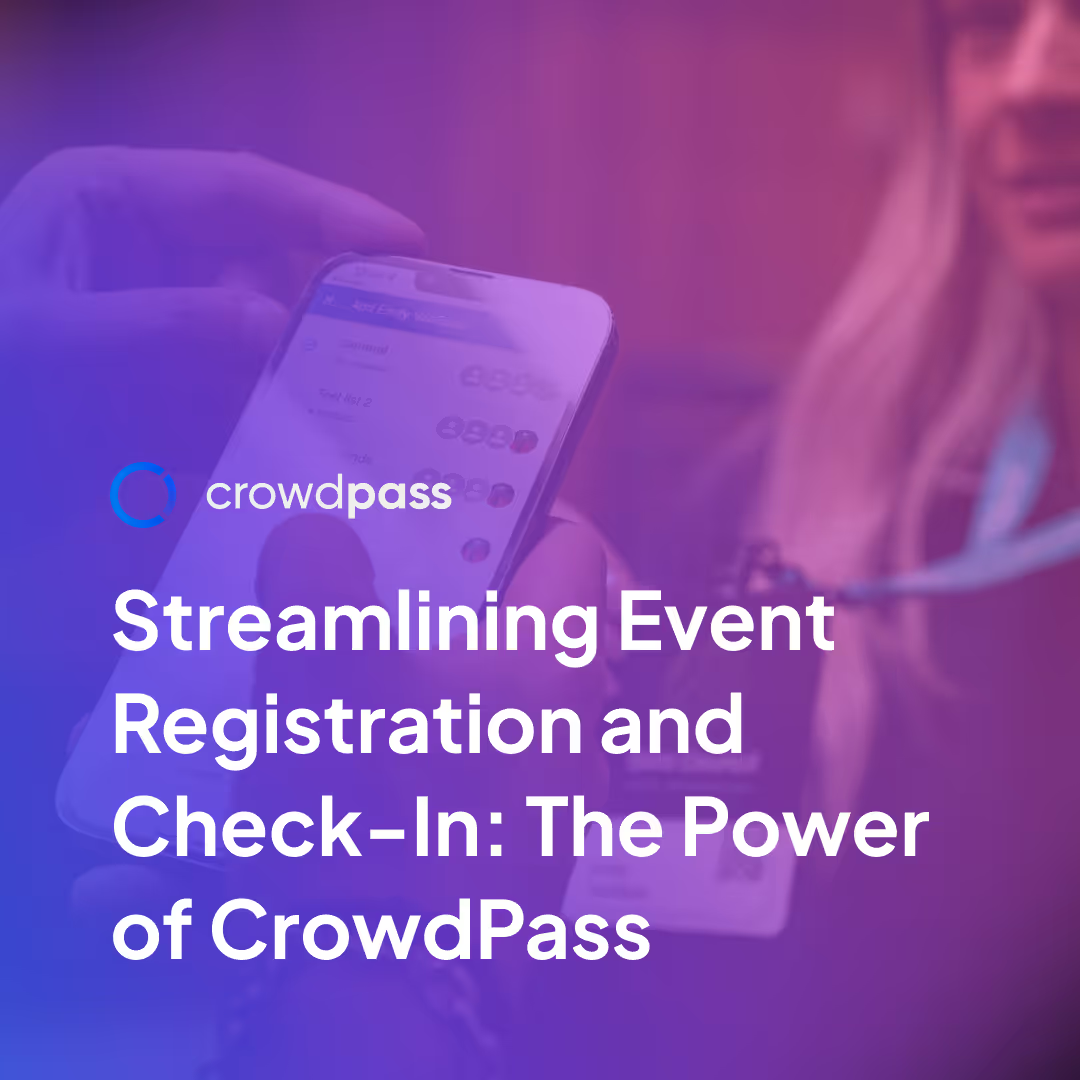
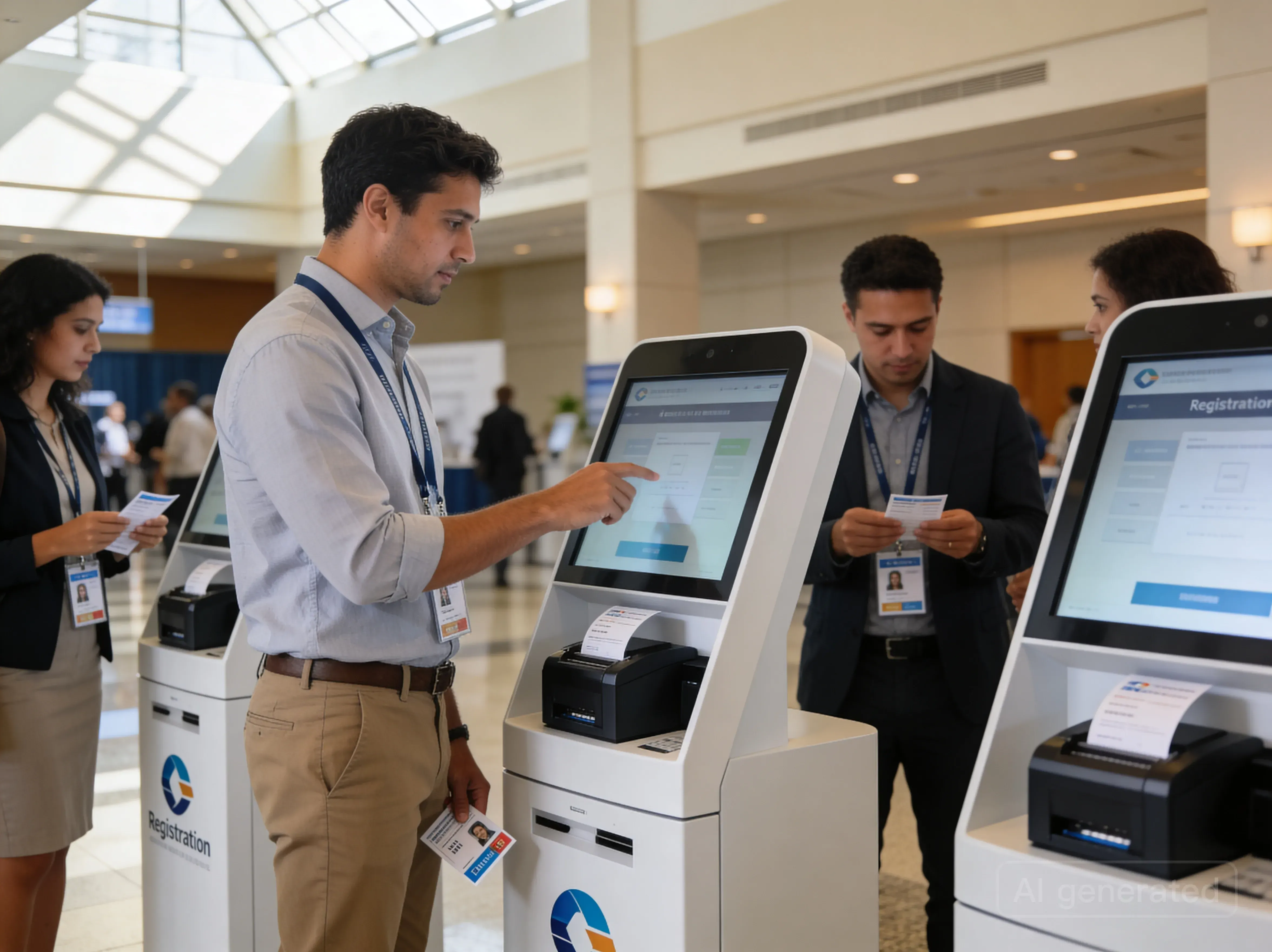
When you register for an event, CrowdPass will email you a confirmation email including a QR code along with an Apple Wallet Pass. The CrowdPass Mobile App then allows you the event host to scan in attendees quickly and easily. You can further enhance your event by linking a CrowdPass NFC Wristband to the attendee or automate a conference badge to be printed immediately after checking in the attendee.
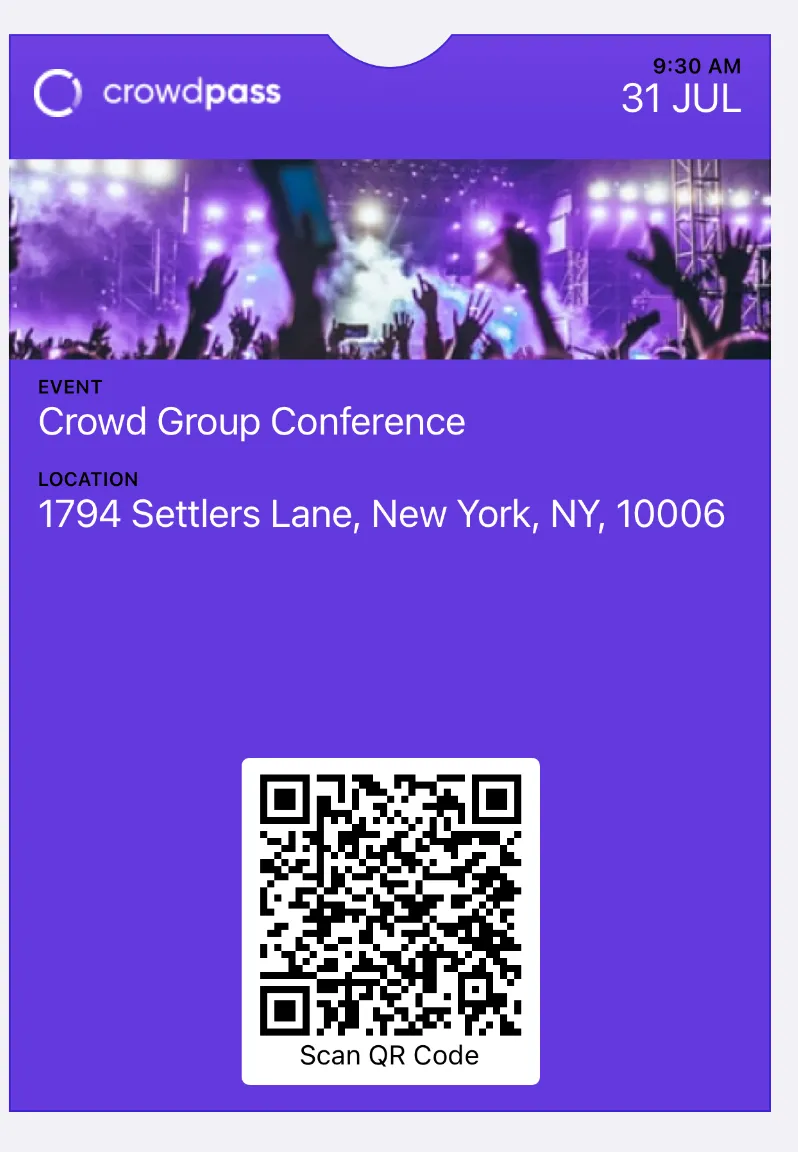
Event hosts can use the CrowdPass Mobile App to scan attendees quickly and efficiently. Plus, you can enhance the experience by linking NFC wristbands or automating badge printing for a smooth event flow.
Why Use CrowdPass?
There are a few reasons why you might want to use CrowdPass with Apple Wallet Passes:
How Do I Use CrowdPass Apple Wallet Passes?
To use CrowdPass, you'll need to: